From Executor to Graph: ADK 2's Workflow Runtime
Master ADK 2's graph-based Workflow Runtime. Construct deterministic execution pipelines with Sequential, Branch, and Loop agents.
From Executor to Graph: ADK 2's Workflow Runtime
📦 Companion Code: View the complete, runnable code on GitHub:
part05in the cartpilot-adk2-series repository.
CartPilot's checkout logic currently lives inside one agent's instruction text: "validate the cart, then apply a discount, then confirm." That's a request, not a guarantee — nothing stops the model from confirming an order before checking stock, or skipping the discount step because a shopper's message distracted it. This is exactly the failure mode ADK 2.0's biggest architectural change addresses.
The shift: agents as graph nodes
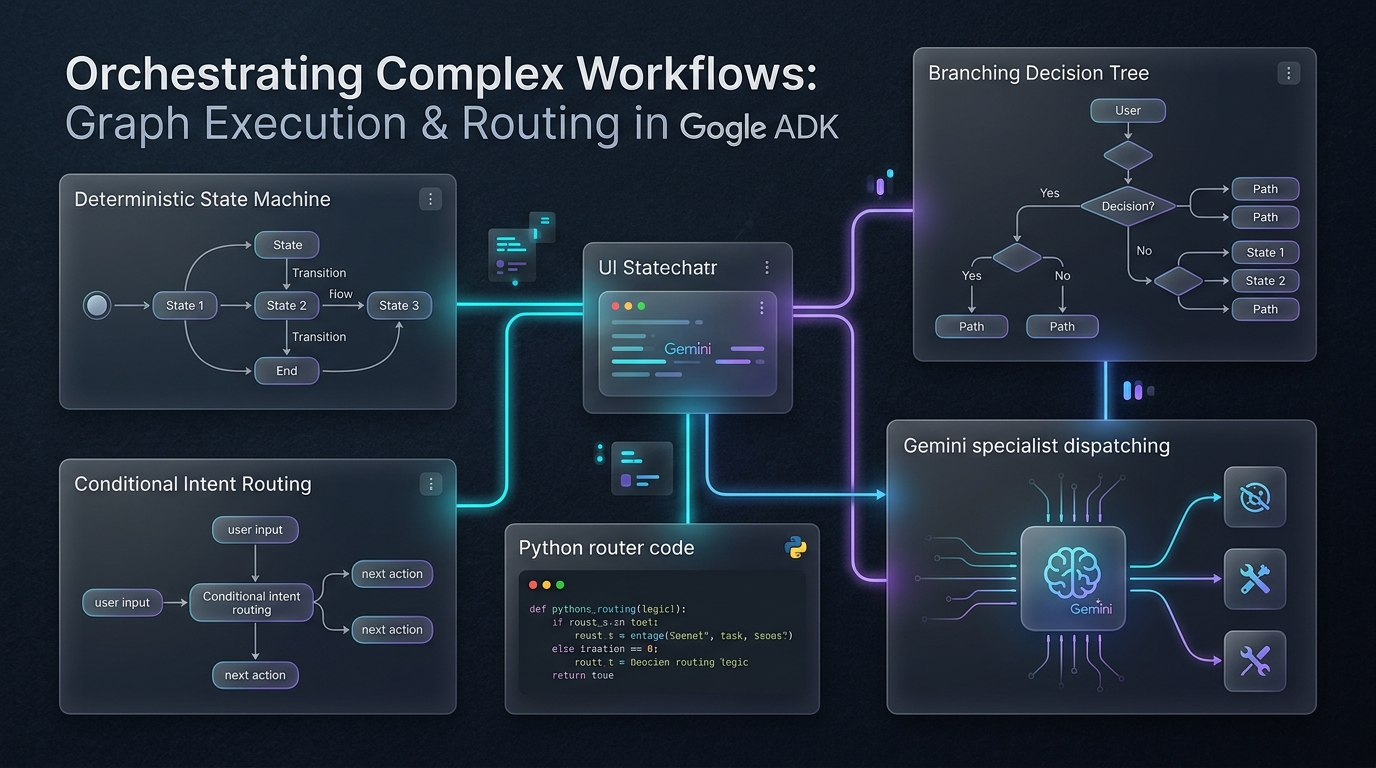
ADK 2.0's headline change is moving from a hierarchical agent executor (agents standalone, calling sub-agents at their own discretion) to a graph-based Workflow Runtime, where agents, tools, and functions are evaluated as nodes in an explicit workflow graph. The practical effect for us: you can make execution order deterministic without abandoning the LLM for the steps that genuinely need it.
A note on where this API is still moving: ADK 2.0's graph engine introduces lower-level primitives (
BaseNode, dynamic node scheduling) for pure-code, non-LLM steps that were still actively stabilizing as of this writing — the old ADK 1.x pattern of subclassingBaseAgentand overriding_run_async_implfor custom deterministic agents is explicitly called out as legacy under the new graph engine and may be silently bypassed. If you need a pure-code node with no LLM call at all, check adk.dev/agents/custom-agents for the current-recommended approach before shipping it. Below, we use the stable, well-established pattern instead: narrowLlmAgents wrapping deterministic Python tools, composed withSequentialAgent.
Building the checkout pipeline
Three steps, in a fixed order, each doing one job:
# cartpilot_checkout/agent.py
from google.adk.agents import Agent, SequentialAgent
from google.adk.tools import ToolContext
from .catalog import get_product
from .schemas import OrderConfirmation

CART_KEY = "cart"
DISCOUNT_CODES = {"SAVE10": 0.10, "WELCOME5": 0.05}


def validate_cart(tool_context: ToolContext) -> dict:
    """Checks every item in the cart against current stock levels."""
    cart = tool_context.state.get(CART_KEY, [])
    if not cart:
        return {"status": "invalid", "issues": ["Cart is empty."]}
    issues = []
    for entry in cart:
        product = get_product(entry["sku"])
        if product is None:
            issues.append(f"{entry['sku']} no longer exists.")
        elif product["stock"] < entry["quantity"]:
            issues.append(f"Only {product['stock']} left of {product['name']}.")
    return {"status": "invalid" if issues else "valid", "issues": issues}


def apply_discount_code(tool_context: ToolContext) -> dict:
    """Applies a discount code (if provided) to the cart subtotal."""
    code = (tool_context.state.get("discount_code") or "").upper()
    cart = tool_context.state.get(CART_KEY, [])
    subtotal = sum(get_product(e["sku"])["price"] * e["quantity"] for e in cart if get_product(e["sku"]))
    rate = DISCOUNT_CODES.get(code, 0.0)
    discount_amount = round(subtotal * rate, 2)
    return {"status": "success", "subtotal": round(subtotal, 2), "discount_code": code or None,
            "discount_amount": discount_amount, "net_subtotal": round(subtotal - discount_amount, 2)}


validation_agent = Agent(
    model="gemini-3.5-flash",
    name="cart_validation_agent",
    description="Validates cart contents against stock before checkout.",
    instruction="Call `validate_cart` and report its result exactly as returned.",
    tools=[validate_cart],
    output_key="validation_result",
)

discount_agent = Agent(
    model="gemini-3.5-flash",
    name="discount_agent",
    description="Applies any discount code to the cart subtotal.",
    instruction="""
Validation result so far: {validation_result}
Call `apply_discount_code` and report its result exactly as returned.
""",
    tools=[apply_discount_code],
    output_key="pricing_result",
)

checkout_agent = Agent(
    model="gemini-3.5-flash",
    name="checkout_agent",
    description="Produces the final structured order confirmation.",
    instruction="""
Pricing result: {pricing_result}

Using net_subtotal from the pricing result:
- Compute estimated_tax as 8% of net_subtotal, rounded to 2 decimals.
- Compute total as net_subtotal + estimated_tax.
- Generate order_id as "CP-" followed by a 5-digit number.
- Write a friendly one-line shopper_message. Mention the discount if
  discount_amount > 0.
""",
    output_schema=OrderConfirmation,
    output_key="order_confirmation",
)

checkout_pipeline = SequentialAgent(
    name="checkout_pipeline",
    description="Runs cart validation, pricing, and confirmation in order.",
    sub_agents=[validation_agent, discount_agent, checkout_agent],
)

root_agent = Agent(
    model="gemini-3.5-flash",
    name="cartpilot_agent",
    description="CartPilot shopping assistant with a deterministic checkout pipeline.",
    instruction="""
You are the CartPilot shopping assistant.
When the shopper wants to check out, transfer to `checkout_pipeline`.
Otherwise, chat normally and help them with their cart.
""",
    sub_agents=[checkout_pipeline],
)
Two mechanics do the real work here:
output_keywrites an agent's final response straight into session state under that key — no extra tool call needed to persist it.{placeholder}interpolation in an instruction string pulls a value out of session state before the prompt is sent.discount_agent's instruction literally contains{validation_result}— by the time the model sees it, that's the real validation output, not a template string.
SequentialAgent guarantees validation_agent → discount_agent → checkout_agent, in that order, every single run. No amount of prompt drift changes that.
Where NOT to use an LLM at all
Notice what validate_cart and apply_discount_code actually do: dictionary lookups and arithmetic. There's no reasoning happening — the agent wrapping each tool is really just a thin LLM shell whose only job is "call this one tool and report the result." That's a deliberate, conservative choice for this post (see the callout above on why), but it should nag at you a little, because it's not free: two LLM calls doing zero actual reasoning.
The right instinct as you build your own graphs: if a step is pure logic — a lookup, a calculation, a conditional — question whether it needs to be a node with an LLM in it at all, versus plain Python called from a tool or a callback (Part 11 covers callbacks in depth). The graph model still gives you deterministic ordering either way; the question is only which nodes actually need a model in the loop. We'll revisit this exact pipeline with real numbers in Part 10 once we can measure what each step costs.
Try it
adk webSearch for something, add it to your cart, then say "I'm ready to check out." Watch the event inspector: three distinct agent nodes fire in strict order, and the final response validates against OrderConfirmation regardless of what happened earlier in the conversation.
What's next
checkout_pipeline is CartPilot's first taste of multiple agents cooperating — but it's a fixed pipeline, not a system where a coordinator picks who handles what. Part 6 builds that: a real coordinator agent delegating to Search, Cart, and Support specialists.