Your First ADK 2 Agent: From Zero to adk web
Build your first autonomous AI agent with Google ADK 2.0 and Gemini. Learn project structure, agent definitions, dev tooling, and live chat with adk web.
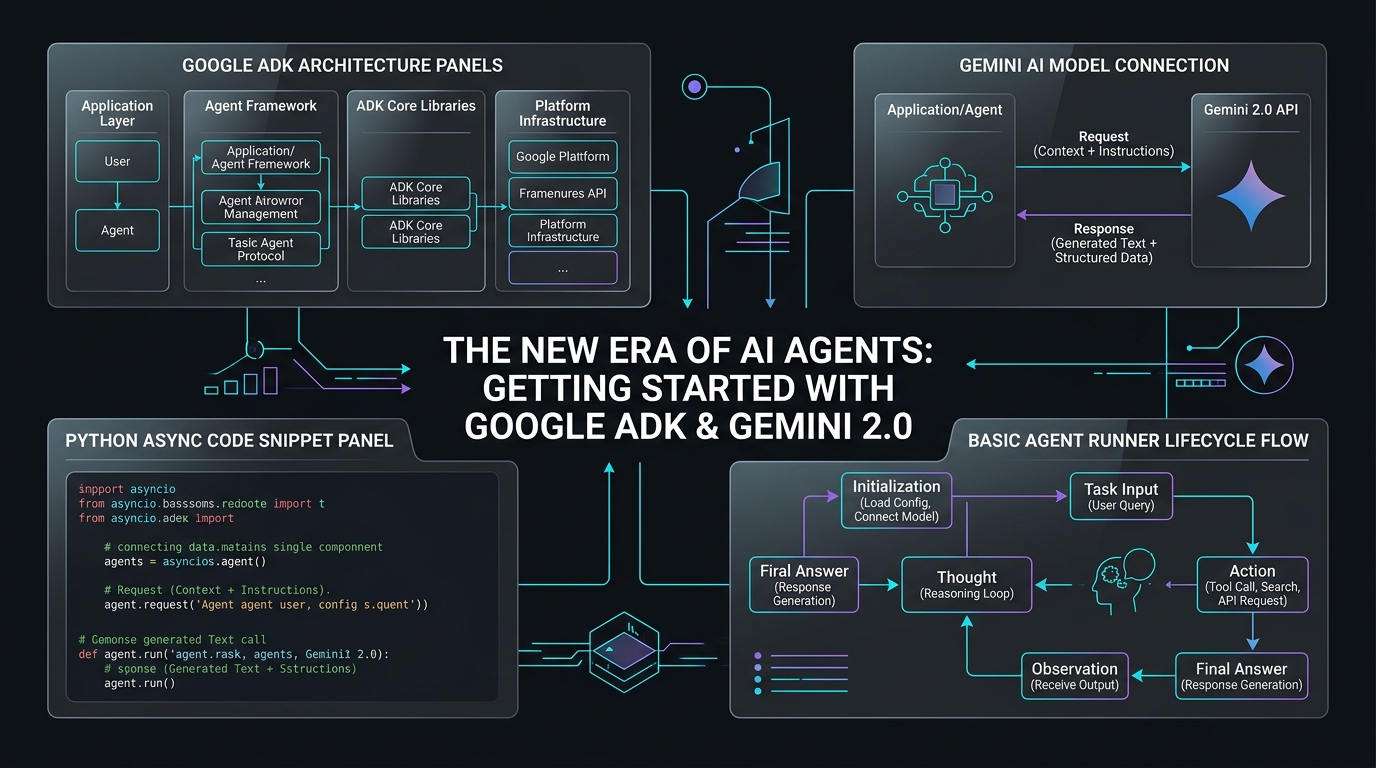
Your First ADK 2 Agent: From Zero to adk web
📦 Companion Code: View the complete, runnable code on GitHub:
part01in the cartpilot-adk2-series repository.
This is Part 1 of Agentic Commerce with ADK 2, a series where we build CartPilot, a production-grade multi-agent shopping and support assistant, using Google's Agent Development Kit (ADK) 2.0 and the Gemini API.
Unlike calling the Gemini API directly (raw request/response, manual conversation bookkeeping, hand-rolled tool-calling loops), ADK gives you an opinionated framework: agents, tools, sessions, multi-agent orchestration, evaluation, and deployment all live under one roof. ADK Python 2.0 reached general availability on May 19, 2026, moving the framework from a hierarchical agent executor to a graph-based Workflow Runtime — we'll get to that in Part 5. For now, we start simple.
A note on ADK 2.0's freshness: this is a very new major version with real breaking changes from 1.x. Pin your
google-adkversion inrequirements.txt, and if any signature in this series doesn't match what you see on PyPI, check adk.dev for the current API — the core concepts (agents, tools, sessions) are stable even where exact parameter names shift.
What we're building
CartPilot will end this series as a coordinator agent that delegates to specialist sub-agents (search, cart, support), with structured outputs, human approval on refunds, cost tracking, evaluation gates, and a production deployment. Today it's one agent that can talk.
1. Environment setup
# Create and activate a virtual environment
python -m venv .venv
source .venv/bin/activate      # Windows: .venv\Scripts\activate

# Install ADK
pip install "google-adk>=2.0.0,<3.0.0" python-dotenv
Get a Gemini API key from Google AI Studio — no Google Cloud project or billing setup required to start.
2. Scaffold the agent
ADK's CLI can generate the folder structure for you:
adk create cartpilot_searchThis produces:
cartpilot_search/
├── agent.py        # your agent's logic — the only required file
├── __init__.py      # exposes `agent` so ADK can discover it
└── .env             # API key / project config
Open .env and set:
GOOGLE_API_KEY=your-gemini-api-key-here
GOOGLE_GENAI_USE_VERTEXAI=FALSE
GOOGLE_GENAI_USE_VERTEXAI=FALSE tells ADK to talk to the Gemini Developer API directly with your API key, rather than routing through Vertex AI (which needs a GCP project and IAM auth — we'll switch to that in Part 14 for deployment).
3. Write the agent
# cartpilot_search/agent.py
from google.adk.agents import Agent

root_agent = Agent(
    model="gemini-3.5-flash",
    name="product_search_agent",
    description=(
        "Helps shoppers find products in the CartPilot store by name, "
        "category, or general description."
    ),
    instruction="""
You are the CartPilot product search assistant.

- Greet the shopper briefly, then help them find products.
- You do not have real product data yet (that's Part 2) — for now,
  be honest that search isn't wired up, and ask clarifying questions
  about what they're looking for (category, budget, use case).
- Keep responses short (2-4 sentences). Shoppers are on mobile.
""",
)
root_agent is the one variable ADK requires — the CLI and web UI both discover an agent app by looking for it. name and description aren't cosmetic: once we have multiple agents (Part 6), the coordinator reads other agents' description fields to decide who to delegate to. Write them like API documentation, not marketing copy.
4. Run it
# From the parent folder containing cartpilot_search/
adk web
Open http://localhost:8000, pick cartpilot_search from the dropdown, and chat. You get a full event inspector for free — every model call, token count, and (later) tool call is visible in the UI, which matters once you're debugging a multi-agent graph.
Prefer the terminal? adk run cartpilot_search gives you a plain chat loop without the browser.
Model tiering: your first production decision
Even in this trivial agent, we made a real production choice: gemini-3.5-flash, not gemini-2.5-pro. This matters more than it looks:
| Flash | Pro | |
|---|---|---|
| Cost per token | Low | Several times higher |
| Latency | Low | Higher |
| Reasoning depth | Good for routing, extraction, short conversational turns | Better for ambiguous, multi-step, or high-stakes reasoning |
| Where CartPilot uses it | Search, cart, routing/coordinator | Refund policy edge cases, complex support escalations (Part 10) |
The instinct to reach for the strongest model everywhere is exactly what makes agentic systems expensive in production. We'll build a habit through this series of asking "does this node need Pro, or is Flash enough?" for every agent we add — and in Part 10 we'll actually measure it with token counts and cost tracking, not vibes.
What's next
Part 2 gives this agent real tools — Python functions it can call to search CartPilot's actual product catalog — and we'll look at how tool design itself is a cost lever, not just a capability one.