Building Tool-Using Agents: The ReAct Loop, and Why It Beats a Hardcoded Sequence
Build a real tool-using agent with LangGraph's ReAct loop. Understand why loop-based control beats fixed sequences, how to cap iterations to prevent runaway costs, and how to handle tool failures gracefully.
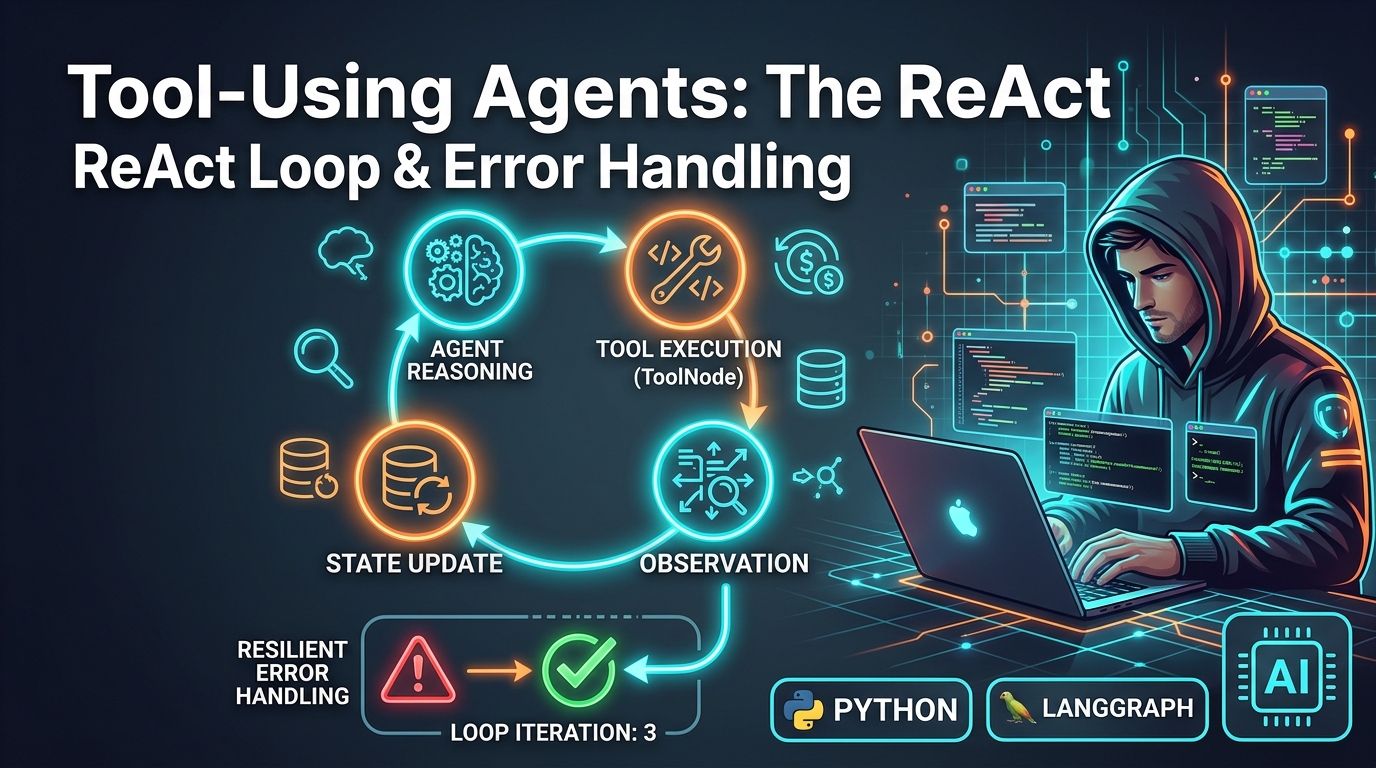
LangGraph Series, Part 3: Building Tool-Using Agents — The ReAct Loop, and Why It Beats a Hardcoded Sequence
Part 3 of 7. Parts 1–2 covered why LangGraph exists and its core building blocks. This post builds a real tool-using agent and explains why the "loop until done" pattern is worth the added complexity over just calling tools in a fixed order.
📦 Companion Code:
part3_tool_agent.pyin the langgraph-ai repository — includes the loop cap and tool-level guardrails shown below.
The naive approach: hardcode the tool sequence
If you know a user request always needs "look up order → check inventory → generate response," you could just write three nodes in a fixed line: A → B → C → END. No loop, no LLM deciding what to call next. This is simpler, cheaper, and completely deterministic.
So why doesn't this work for most agent use cases? Because real requests don't have a fixed number of steps. "What's the status of my order and can you also refund the late one" might need two lookups and a refund tool, in an order you can't know in advance — and a different message might need zero tool calls at all. Hardcoding a sequence means writing a new graph shape for every possible combination of user needs, which doesn't scale past a handful of intents. The ReAct pattern ("Reason, then Act, then observe, repeat") solves this by letting the LLM decide, per turn, whether it needs a tool and which one — while the loop structure itself (keep going until no more tool calls) stays fixed and predictable in your code.
The fake data store — what the tools operate on
Before the tools, here's the simple in-memory database they read from:
# In a real system this would be a database query or microservice call.
# The keys are order IDs; each value holds the order status and total amount.
_FAKE_ORDER_DB = {
    "A123": {"status": "out for delivery", "amount": 49.99},
    "B456": {"status": "delivered", "amount": 19.50},
}
This stands in for a real orders table. Two orders exist. Any other order ID will trigger a soft-error path (explained below).
The tools — and why errors are returned as strings, not raised
from langchain_core.tools import tool

@tool
def get_order_status(order_id: str) -> str:
    """
    Look up the status of a customer order by its order ID.

    Note: errors are returned as strings (not raised as exceptions) so the LLM
    can reason about the failure and ask the user to retry, rather than
    crashing the agent loop.
    """
    order = _FAKE_ORDER_DB.get(order_id)
    if order is None:
        return f"Error: no order found with ID '{order_id}'. Ask the user to double check the ID."
    return f"Order {order_id} status: {order['status']}."


@tool
def issue_refund(order_id: str, amount: float) -> str:
    """
    Issue a refund for a given order ID and dollar amount.

    Tool-level guardrail: the amount cap is enforced here in Python, not
    in a prompt. Never rely on the LLM alone to enforce financial constraints —
    always validate them in code.
    """
    order = _FAKE_ORDER_DB.get(order_id)
    if order is None:
        return f"Error: cannot refund unknown order '{order_id}'."
    if amount > order["amount"]:
        return f"Error: refund amount ${amount} exceeds the original order amount ${order['amount']}."
    return f"Refunded ${amount} for order {order_id}."
Why return the error as a string instead of raising it? Because the tool's output goes straight back into the conversation as a message the LLM reads. If you return a clear, descriptive error string, the LLM can reason about it just like any other tool result ("the lookup failed, I should ask the user to double check the order ID"). If you let the exception raise instead, ToolNode has to catch it somewhere anyway, and by then you've lost the chance to give the LLM useful context. This small design choice has an outsized effect on how gracefully an agent degrades under real-world conditions.
Why enforce the refund amount cap in Python and not in the prompt? A prompt instruction ("never refund more than the order total") is a suggestion — a model that's confused or manipulated might not follow it. A Python if amount > order["amount"] check always executes, regardless of what the model requested. This is the principle from Part 7 in preview: treat every tool with real-world effects as needing code-level access controls, not just prompt-level guidance.
The ReAct loop, built and explained
from langgraph.graph import StateGraph, START, END
from langgraph.graph.message import add_messages
from langgraph.checkpoint.memory import MemorySaver
from langgraph.prebuilt import ToolNode, tools_condition  # prebuilt ReAct helpers
from typing import Annotated
from typing_extensions import TypedDict

# How many tool calls the agent may make in one session before being forced
# to produce a final answer. Without a cap a confused agent can loop forever,
# burning API tokens and never returning to the user.
MAX_TOOL_CALLS = 6

tools = [get_order_status, issue_refund]
llm = get_llm()

# bind_tools() teaches the LLM which tools exist and what arguments they accept.
# The model may now emit tool_calls in its response instead of (or in addition to) text.
llm_with_tools = llm.bind_tools(tools)


class State(TypedDict):
    messages: Annotated[list, add_messages]
    tool_call_count: int  # running total; compared against MAX_TOOL_CALLS


def agent_node(state: State) -> dict:
    tool_call_count = state.get("tool_call_count", 0)

    if tool_call_count >= MAX_TOOL_CALLS:
        # Force a final answer: use plain llm (no tools bound) so it cannot
        # emit tool_calls and loop further.
        forced = llm.invoke(
            state["messages"]
            + [("system", "You have used the maximum number of tool calls. Answer now without calling any more tools.")]
        )
        # tool_call_count is NOT incremented — this is the terminal reply.
        return {"messages": [forced]}

    response = llm_with_tools.invoke(state["messages"])
    # Only count as a tool call round if the model actually requested a tool.
    increment = 1 if getattr(response, "tool_calls", None) else 0
    return {"messages": [response], "tool_call_count": tool_call_count + increment}


# --------------- Graph wiring ---------------
graph_builder = StateGraph(State)
graph_builder.add_node("agent", agent_node)

# ToolNode is a prebuilt node that:
#   1. Inspects the last AIMessage for .tool_calls.
#   2. Calls each listed function with the provided arguments.
#   3. Wraps each result in a ToolMessage and appends it to state["messages"].
graph_builder.add_node("tools", ToolNode(tools))

graph_builder.add_edge(START, "agent")

# tools_condition is a prebuilt router:
#   - If the last AIMessage has .tool_calls → routes to "tools".
#   - If it has no tool_calls (plain answer) → routes to END.
# This is the core of the ReAct (Reasoning + Acting) loop.
graph_builder.add_conditional_edges("agent", tools_condition)

# After ToolNode runs, route back to "agent" so it can see the tool results
# and either call more tools or produce a final answer.
graph_builder.add_edge("tools", "agent")

graph = graph_builder.compile(checkpointer=MemorySaver())
Walking through why each piece is shaped the way it is:
Why bind_tools instead of describing tools in the prompt text? bind_tools uses the model provider's native tool-calling API (structured function-calling), which returns a machine-parseable tool call object rather than the model writing "I should call get_order_status('A123')" as free text. Structured tool calls are dramatically more reliable — this is the single biggest lever for reducing "the agent said it would call a tool but didn't actually format it right" bugs.
Why ToolNode instead of writing the tool-execution code yourself? ToolNode is a small prebuilt node that reads the tool calls out of the last message, executes the matching Python functions, and formats the results back as ToolMessage objects the LLM can read. Writing this yourself is maybe 15 lines — not hard — but using the prebuilt version means bug fixes and improvements land for free when you upgrade the library.
Why does tools_condition route back to agent and not straight to END? This is the loop. After a tool runs, the LLM needs to see the result and decide what to do next — answer the user, or call another tool. Routing tools → agent (rather than tools → END) is what allows multi-step tool use.
Why is the loop-exit condition "no tool calls in the last message" rather than a fixed number of steps? Because the natural stopping point for an agent is "it decided it has enough information to answer," and the LLM signals that by simply not calling another tool. A fixed step count doesn't map to task difficulty — some questions need one tool call, others need four.
The failure mode this solves: infinite loops
Nothing above stops the LLM from calling a tool, getting a result, deciding to call the same tool again, forever. The MAX_TOOL_CALLS = 6 constant and the check at the top of agent_node are the explicit safeguard. Why put this limit in your own code rather than relying on a framework default? Because the "right" limit is a business judgment call, not a technical one — 3 tool calls might be generous for a simple order-lookup bot and far too restrictive for a research agent. LangGraph deliberately doesn't guess this for you.
Running it: 3 real scenarios with actual output
def main() -> None:
    config = {"configurable": {"thread_id": "demo-tool-agent"}}

    print("--- Order status lookup ---")
    # Expected flow: agent calls get_order_status("A123") → ToolNode → agent answers.
    result = graph.invoke(
        {"messages": [("user", "What's the status of order A123?")], "tool_call_count": 0},
        config
    )
    print(result["messages"][-1].content)
    # Output:
    # Order A123 is currently **out for delivery**. It should arrive soon —
    # is there anything else I can help you with?

    print("\n--- Multi-step: lookup then refund ---")
    config2 = {"configurable": {"thread_id": "demo-tool-agent-2"}}
    # Expected flow: agent calls get_order_status("B456") → sees "delivered"
    # → calls issue_refund("B456", 19.50) → ToolNode → agent answers.
    result2 = graph.invoke(
        {
            "messages": [("user", "Check order B456's status, and if it's delivered, refund $19.50 for it.")],
            "tool_call_count": 0,
        },
        config2,
    )
    print(result2["messages"][-1].content)
    # Output:
    # Done! Here's a summary:
    # - **Order B456 status:** Delivered ✅
    # - **Refund issued:** $19.50
    # The refund has been processed successfully. Is there anything else
    # you'd like me to help with?

    print("\n--- Tool-level guardrail: refund amount exceeding order total ---")
    config3 = {"configurable": {"thread_id": "demo-tool-agent-3"}}
    # Expected flow: agent calls issue_refund("A123", 500) → ToolNode returns
    # soft-error string → agent relays the error to the user (no exception raised).
    result3 = graph.invoke(
        {"messages": [("user", "Refund $500 for order A123.")], "tool_call_count": 0},
        config3
    )
    print(result3["messages"][-1].content)
    # Output:
    # I wasn't able to process that refund. Here's what happened:
    # - **Order A123** exists and is currently **out for delivery**.
    # - However, the original order total was only **$49.99**, so a $500 refund
    #   isn't possible — refunds can't exceed the amount paid.
    # Would you like me to instead refund the full **$49.99** for order A123?
Scenario 3 is the key one to notice: the $500 > $49.99 check in issue_refund returned a string error message, not an exception. The LLM received that string as a ToolMessage, understood it, and wrote a clear explanation to the user — the agent loop continued and resolved gracefully. If that function had raised an exception instead, the graph would have surfaced an unhandled error to the caller.
Sample Output
Running part3_tool_agent.py produces the following (live run, 2026-08-31 ✅):
--- Order status lookup ---
Order A123 is currently **out for delivery**. It should arrive soon — is there
anything else I can help you with?

--- Multi-step: lookup then refund ---
Done! Here's a summary:

- **Order B456 status:** Delivered ✅
- **Refund issued:** $19.50

The refund has been processed successfully. Is there anything else you'd like me
to help with?

--- Tool-level guardrail: refund amount exceeding order total ---
I wasn't able to process that refund. Here's what happened:

- **Order A123** exists and is currently **out for delivery**.
- However, the original order total was only **$49.99**, so a $500 refund isn't
  possible — refunds can't exceed the amount paid.

Would you like me to instead refund the full **$49.99** for order A123? Or if you
had a different order in mind (perhaps a typo in the ID), let me know and I can
look it up.- Scenario 1 — agent called
get_order_status("A123"), returned correct status ✅ - Scenario 2 — agent called
get_order_status("B456")thenissue_refund("B456", 19.50)✅ - Scenario 3 — tool-level guardrail blocked $500 refund (max $49.99); soft-error returned to user, no exception raised ✅
- Iteration cap (
MAX_TOOL_CALLS=6) — not triggered in any scenario ✅
What's next
Part 4 goes further: multi-agent architectures (and which pattern — supervisor, swarm, or hierarchical — actually fits which kind of problem), human-in-the-loop approval flows, and production-grade persistence — including why you'd choose Postgres over SQLite over the default in-memory saver.