Your First Gemini API Call: Core Fundamentals
Master the foundational request-response pattern of Large Language Models using the modern Google GenAI Python SDK. Learn authentication, model selection, prompt dispatching, and response handling.
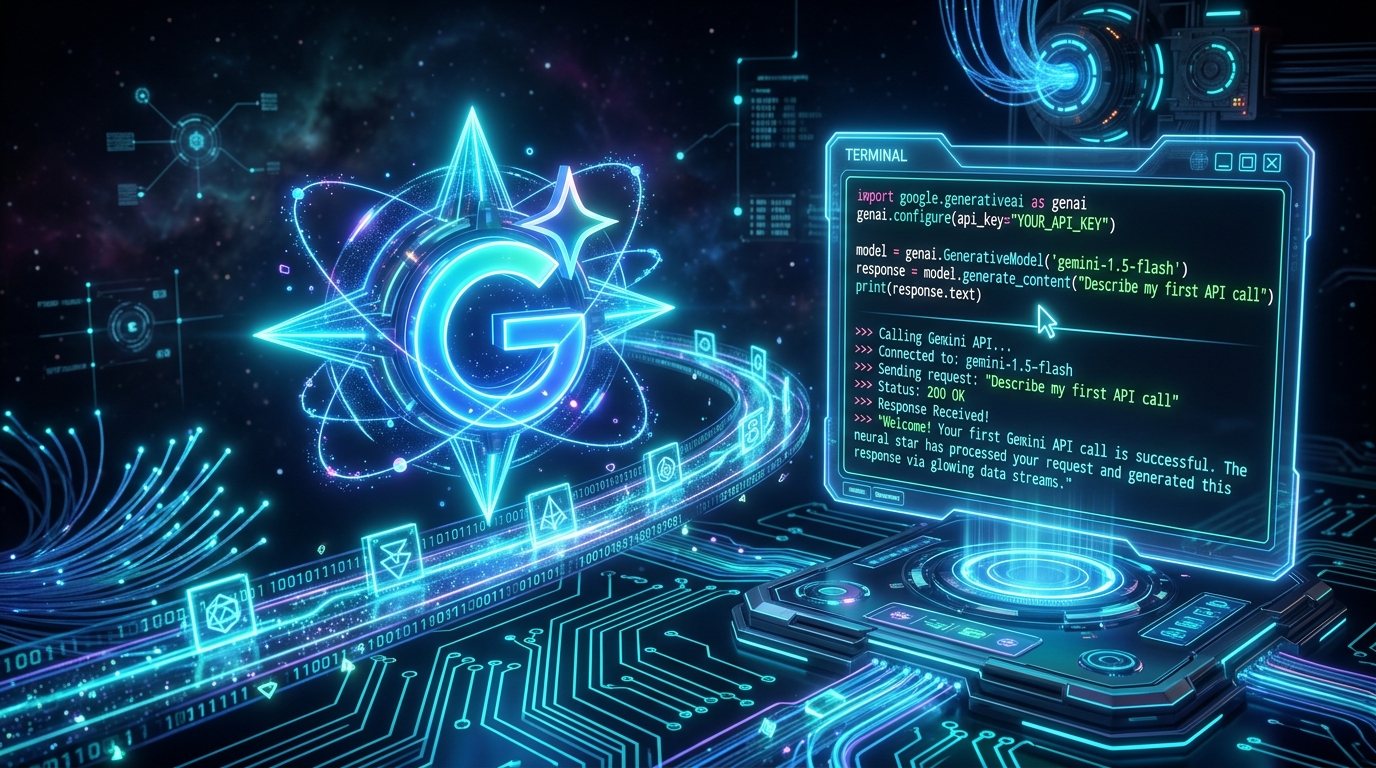
TL;DR: Large Language Models (LLMs) are essentially stateless HTTP APIs: you send text in and receive text back. In this opening guide of the AI Architect Foundations series, we set up the official Google GenAI Python SDK (
google-genai), authenticate with API keys, understand model selection tradeoffs, and execute your first prompt-response cycle.
📦 Interactive Notebook: Test and run this code live on GitHub:
01_getting_started.ipynbin the ai-architect-foundation-gemini repository.
What You'll Learn
How to make your first call to a modern large language model (LLM) using Python — setting up your credentials, sending a prompt, and reading the model's response. By the end of this post, you will understand the fundamental request-response cycle that powers every GenAI application, agentic workflow, and autonomous system.
The Core Idea: LLMs as Clean APIs
A large language model is not magic. From an engineer's perspective, it is a high-throughput stateless API endpoint. You send an input payload (text, documents, images, or structured message history), the model processes the context through its neural network layers, and it returns generated text or function calls.
The Google Gemini API wraps this interaction into a clean, modern Python SDK (google-genai) so you can build robust applications without managing raw HTTP headers or low-level parsing.
Every LLM interaction follows a three-step cycle:
- Authenticate: Establish a secure client session with your API key.
- Send a prompt: Package your task instructions into a
contentspayload. - Read the response: Extract
response.textor inspect token candidates.
Everything advanced in AI engineering — multi-turn memory, tool calling, JSON schema enforcement, multi-agent orchestration — builds directly on top of this foundation.
Environment Setup
Install the official Google GenAI SDK and python-dotenv for local environment variable management:
pip install google-genai python-dotenvCreate a .env file in your project root and add your Gemini API key:
# .env
GEMINI_API_KEY=your_gemini_api_key_here
Making Your First Call
Here is the complete Python script to load your environment, initialize the client, and generate a response:
import os
from dotenv import load_dotenv
from google import genai

# 1. Load environment variables from .env
load_dotenv()

# 2. Initialize the authenticated Gemini client
client = genai.Client()

# 3. Choose your model
model = "gemini-2.5-flash"

# 4. Generate content
response = client.models.generate_content(
    model=model,
    contents="A customer wants to return an order. Write a short, empathetic, and helpful customer support response."
)

# 5. Output the response text
print("--- Model Response ---")
print(response.text)

# --- Execution Output ---
# Hi there! I would be happy to help you with your return request.
# Could you please provide your order number and the email address associated with your purchase?
Breakdown of the Code
| Component | Responsibility |
|---|---|
genai.Client() | Automatically detects and authenticates with GEMINI_API_KEY from your environment. |
model = "gemini-2.5-flash" | Specifies the model target. Setting this as a configurable parameter allows seamless switching across environments. |
contents="..." | The input prompt. For single-turn queries, a simple string or a list of parts is passed directly. |
response.text | Extracts the clean, generated string from the candidate completions. |
Understanding Model Selection
Choosing the right model for your workload is the first architectural decision you will make. Google Gemini provides a spectrum of models balancing speed, cost, and reasoning depth:
| Model | Primary Strengths | Best Used For |
|---|---|---|
gemini-2.5-flash | Ultra-low latency, high throughput, exceptional cost efficiency | Real-time agents, classification, high-volume customer support |
gemini-1.5-pro | Deep multi-step reasoning, complex coding, massive 2M+ token context | Code analysis, architectural planning, difficult multi-modal tasks |
gemini-1.5-flash | Lightweight, reliable legacy workhorse | High-speed batch processing and utility tasks |
Key Concept: Total Statelessness
A critical property of LLMs is that every API call is completely stateless.
The model does not retain memory of what you asked three seconds ago or five minutes ago. If you ask:
client.models.generate_content(model=model, contents="My name is Alex.")
response = client.models.generate_content(model=model, contents="What is my name?")
print(response.text)
The model will answer that it does not know your name. To make chatbots and conversational agents "remember", your application must maintain and send the full conversation history with each turn.
Key Takeaways
- Simple Request-Response: Every LLM workflow is fundamentally an API call that exchanges prompt tokens for completion tokens.
- Stateless by Design: Scalability in LLM architectures comes from stateless backend calls; state management belongs in your application layer.
- Model Tiering: Use flash models for speed and tool execution; use pro models for complex reasoning.
What's Next
In Part 2: Building Multi-Turn Conversations & State Management, we will learn how to maintain conversation history, structure user and model roles, and craft persistent system instructions.